A script can be active for AI only after it meets every eligibility requirement. If it shows Invalid, check the items below for the creator you selected.
Turn on AI mode for the script.
Add at least one message template.
Make the script's total price meet the minimum displayed for that creator.
Set the script to Enabled.
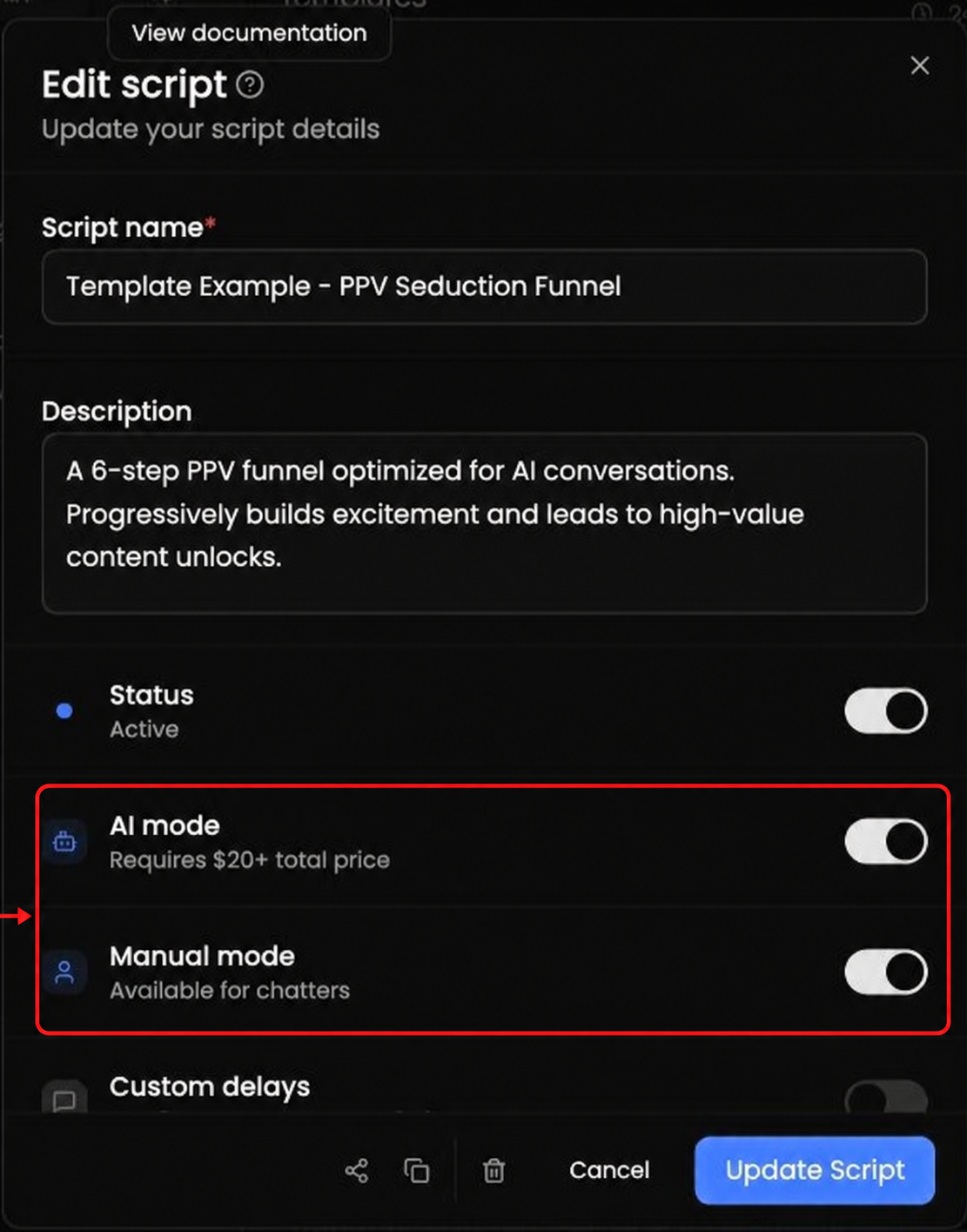
The minimum shown in an example may not match every creator. Follow the minimum displayed for the creator you are editing.
Compare the script's total with the minimum shown for that creator, then recheck the message template, AI mode, and Enabled requirements.
Custom delays control timing. They are separate from AI mode and Manual mode.
