Start the creator connection, choose a platform shown in your workspace, and follow its on-screen prompts until Substy confirms the account is connected.
During first-time setup, choose Connect my creator account. If your workspace already has creators, open Creators, choose Management, and choose Add Creator.
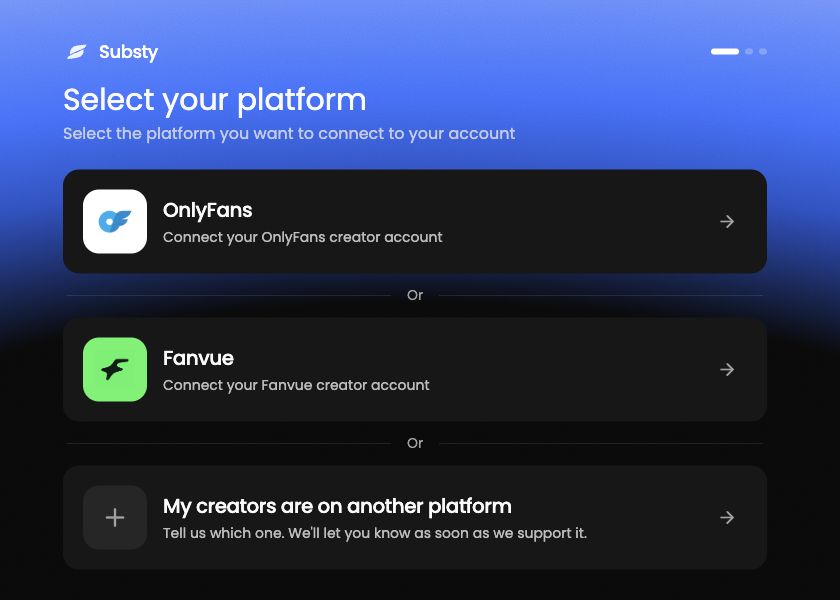
On Select your platform, choose OnlyFans or Fanvue. MYM also appears when it is enabled for your workspace.
Follow the connection prompts shown for the selected platform until Substy confirms that the account is connected.
If an additional verification step appears, complete the method shown on screen. For detailed OnlyFans help, use Complete OnlyFans verification.
After the success confirmation, the connected creator becomes available in Substy. You can then continue to the first-script setup.
