Make sure you have:
An active Elite plan subscription.
A verified OnlyFans creator selected in the dashboard.
Admin role in your organization.
Select a creator from the creator selector in the sidebar.
Navigate to the Browser page from the Tools section in the sidebar.
Click the Open Browser button. Substy will either reuse an existing active session or create a new one automatically.
The OnlyFans site will load inside an embedded frame on your screen. On mobile, it opens in a new tab instead.
Here is what the Browser launch page looks like:
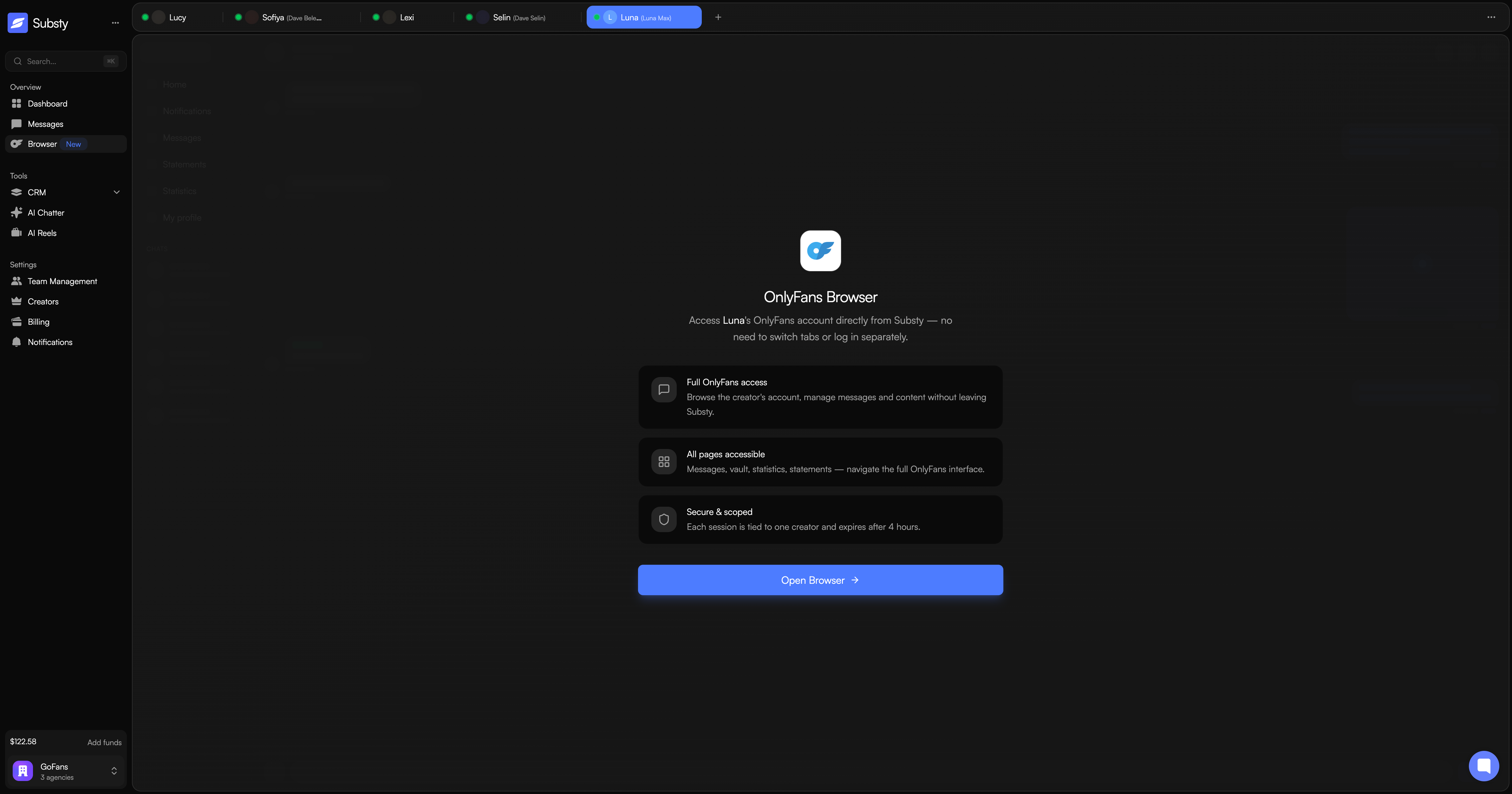
When you click Open Browser, Substy first checks if there is already an active session for this creator. If one exists, it reuses it and extends the session timer. If not, a brand new session is created. Either way, you are redirected to an access page that authenticates your identity, sets a secure cookie, and loads OnlyFans inside the dashboard.
Desktop: Browser loads in an embedded iframe within the dashboard. You can work alongside your messages and AI chatting tabs.
Mobile: Browser opens in a new browser tab for the best experience on smaller screens.
