The Creator Profile page is your centralized hub for managing everything about your creator's public presence. Access it by navigating to Creator Profile from the Tools section, or directly via the URL with your creator selected.
The page is organized into tabs on the left sidebar:
Feed — View all published posts, videos, and PPV content.
New Post — Create and schedule new posts with media, polls, and fundraising.
Stories — Create and manage stories with a full visual editor (OnlyFans only).
Edit Profile — Update your display name, bio, location, website, avatar, and banner.
Subscription — Manage subscription pricing, free trial links, and tracking links.
The Feed tab shows your creator's published content in a scrollable timeline. At the top, you see the profile header with avatar, display name, handle, bio, and statistics (post count, photos, videos, total media).
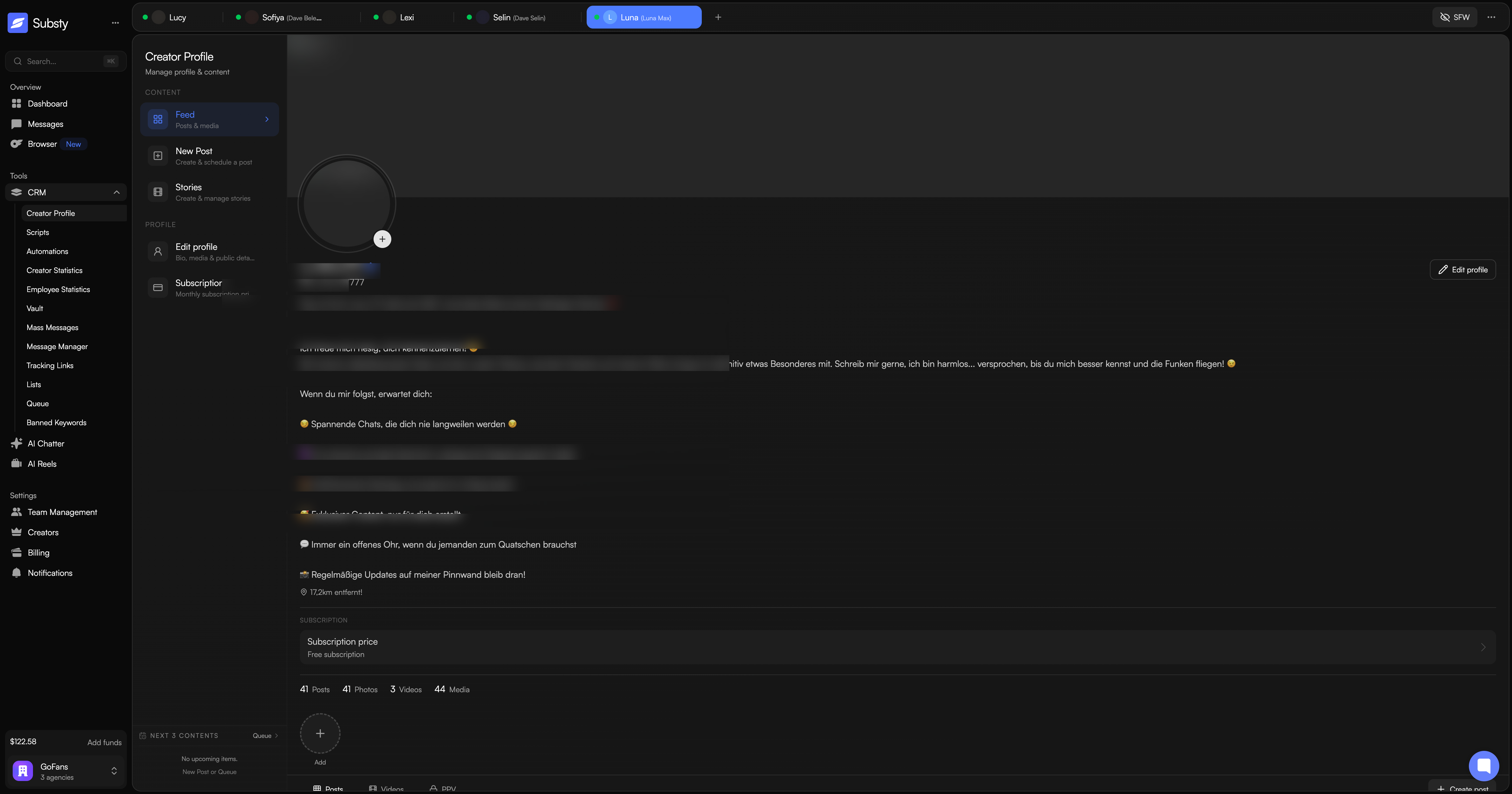
Use the filter tabs to switch between:
Posts — all published posts.
Videos — only video content.
PPV — pay-per-view content.
Content loads automatically as you scroll down.
The New Post tab lets you compose and publish content directly from Substy. You can:
Write text with emoji support and @mentions.
Attach images and videos from your Vault or upload new files.
Create polls with voting duration options.
Set up fundraising posts with a target amount.
Schedule posts for a specific date and time.
Set an expiration date, PPV pricing, or toggle comments on or off.
Preview your post before publishing.
Update your creator's public profile directly from Substy. Available fields:
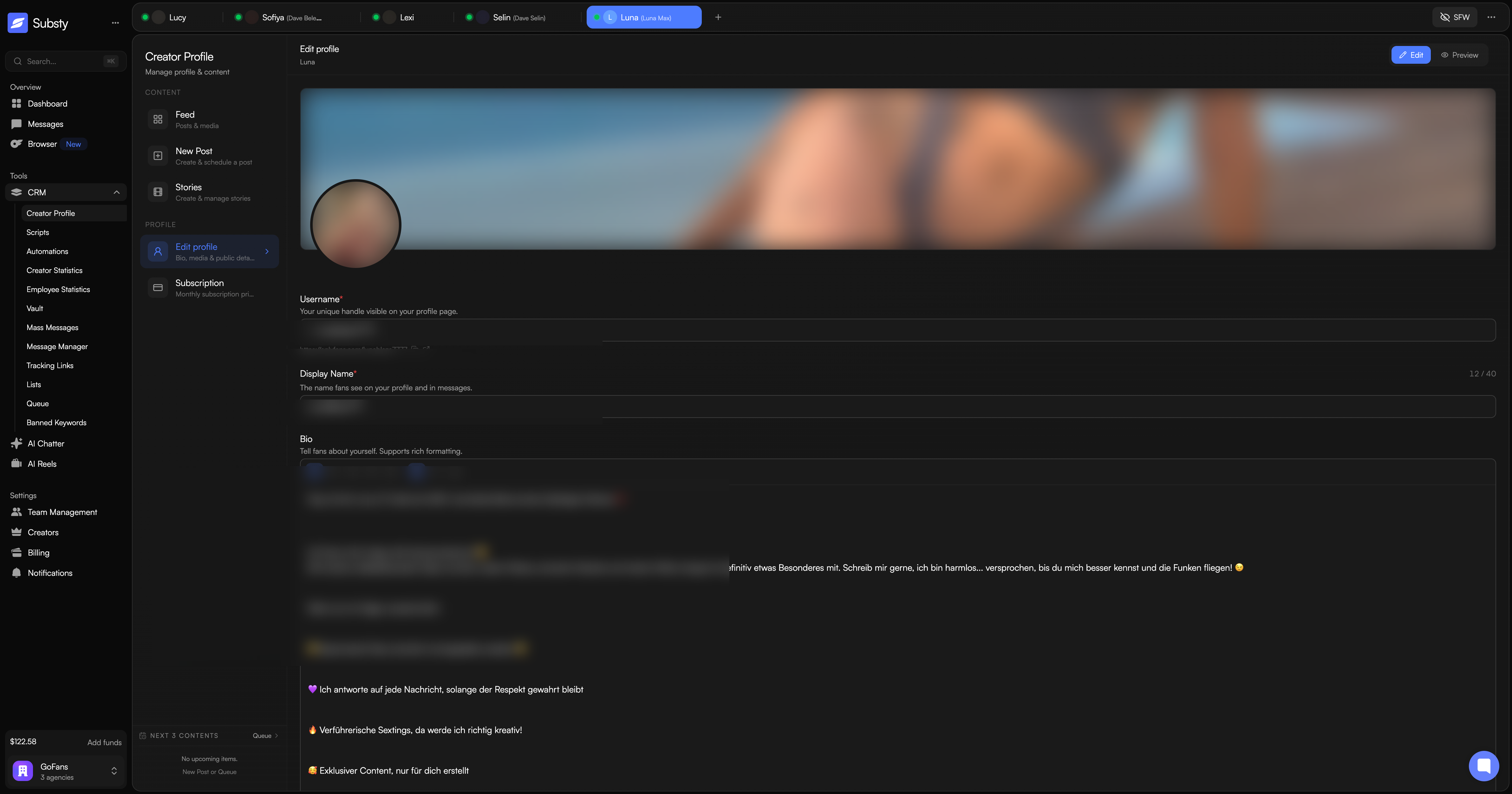
Username — your unique handle and profile URL. Includes a copy button and external link.
Display Name — the name fans see (max 40 characters).
Bio — rich text description with bold, italic, underline, and headings (max 1,000 characters).
Location — displayed on your public profile (max 64 characters, optional).
Website URL — link to your website or social media (max 100 characters, optional).
Subscription Price — free ($0) or paid ($4.99–$50.00).
You can switch between Edit mode and Preview mode to see exactly how your profile appears to fans. Changes are saved directly to OnlyFans and take effect immediately.
The Subscription tab gives you tools to manage pricing and promotion:
Profile Promotion — shareable profile links and promotional tools.
Free Trial Link — generate trial links for new subscribers with configurable duration.
Tracking Links — create custom links with campaign parameters to track subscription sources and conversions.
At the bottom of the sidebar, the Queue section shows your next 3 scheduled items (posts, messages, or live streams). For each item you can see the type, scheduled time, and a content preview. You can edit, publish immediately, or delete scheduled items directly from here.
Note: Creator Profile management is currently available for OnlyFans creators only. Fanvue support is not available at this time.
