Solo Bundles group one media set into a single PPV with one price and one unlock. To create one, open CRM → Solo Bundles and select a creator.
You need access to manage Scripts for the selected creator.
Prepare at least one media item.
Use media with enough information for Substy to match it with relevant fan interests.
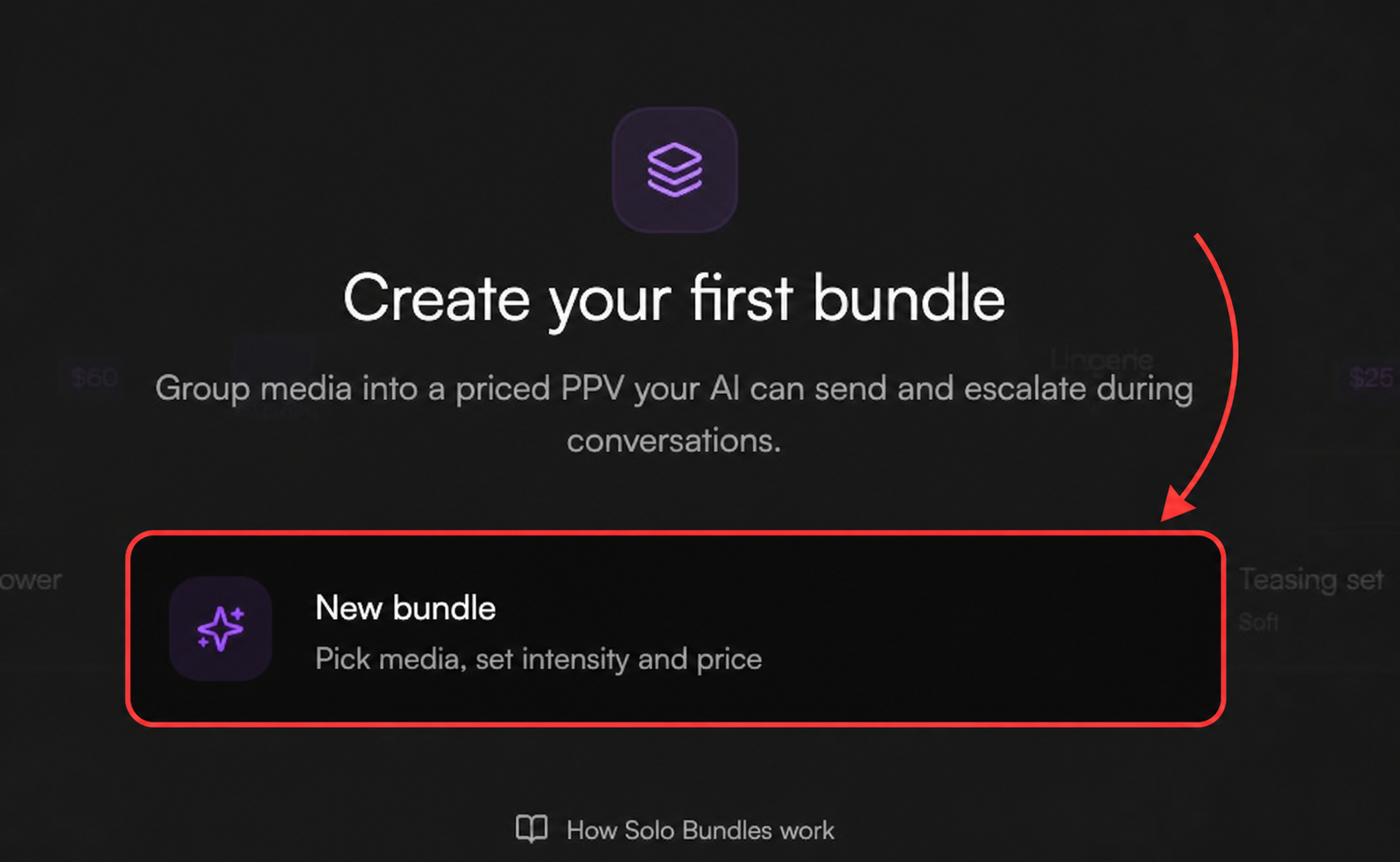
Select New bundle.
Enter a Title. This name is only for your team and is never shown to fans.
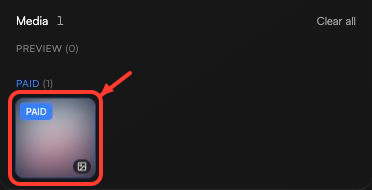
Add at least one media item, arrange the order, then choose how each item is used:
Preview: visible before the fan unlocks the PPV.
Paid: unlocked after purchase.
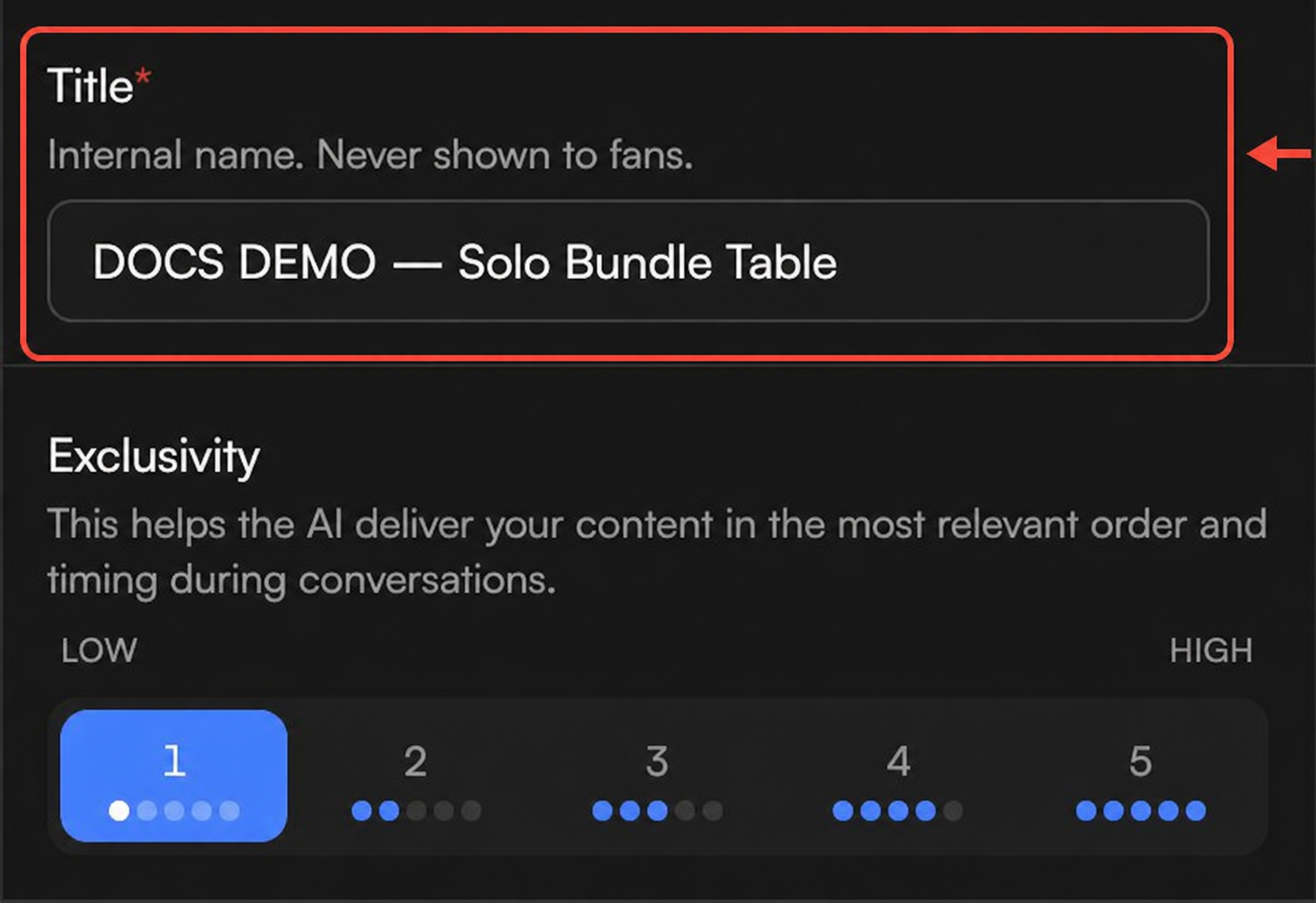
Choose an Exclusivity level from 1 (Low) to 5 (High). This helps Substy choose the bundle's order and timing during a conversation.
Choose a pricing mode:
Fixed: set the asking price and the lowest final price.
Smart: set the lowest final price; Substy chooses the asking price from the conversation and does not go below your final price.
Use $0 for a free bundle or at least $3 for a paid bundle. In Fixed mode, a paid final price must be at least $1 below the asking price.
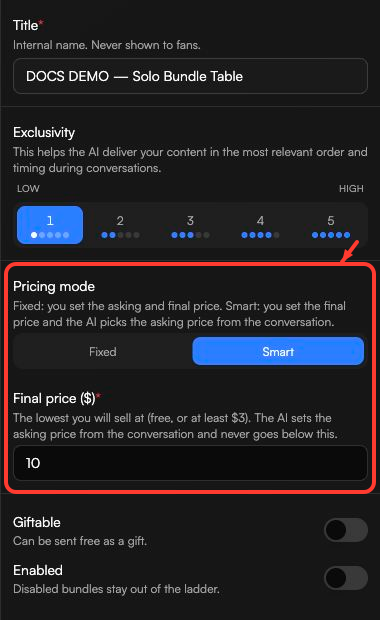
Enabled: keep this on so the bundle can be considered for paid Solo Bundle offers.
Giftable: leave this off when the bundle is meant to be sold. Turning it on reserves the bundle for a possible free gift instead of paid Solo Bundle offers.
Media information: make sure the media has enough recognizable information for Substy to match it to a fan.
Select Create bundle. The bundle can then be considered when it meets the eligibility checks above.
After creation, the bundle appears in Solo Bundles. Use the view control to switch between table and grid views. Search by bundle title, or filter by Exclusivity, Status, or Giftable.
Sort bundles by Created, Price, Exclusivity, or Sales. In table view, Sales shows the sale count and revenue rounded to a whole-dollar amount.
Check Status for Active or Disabled. A Disabled bundle is not considered for paid Solo Bundle offers. Use the switch to make it Active when you want it to be considered.

Check that it is Enabled, contains media, is not marked Giftable, and has matchable media information. For a specific fan, Substy may also skip a bundle they already bought and tries to avoid media they already received.
Related: How Solo Bundles work with Scripts.
